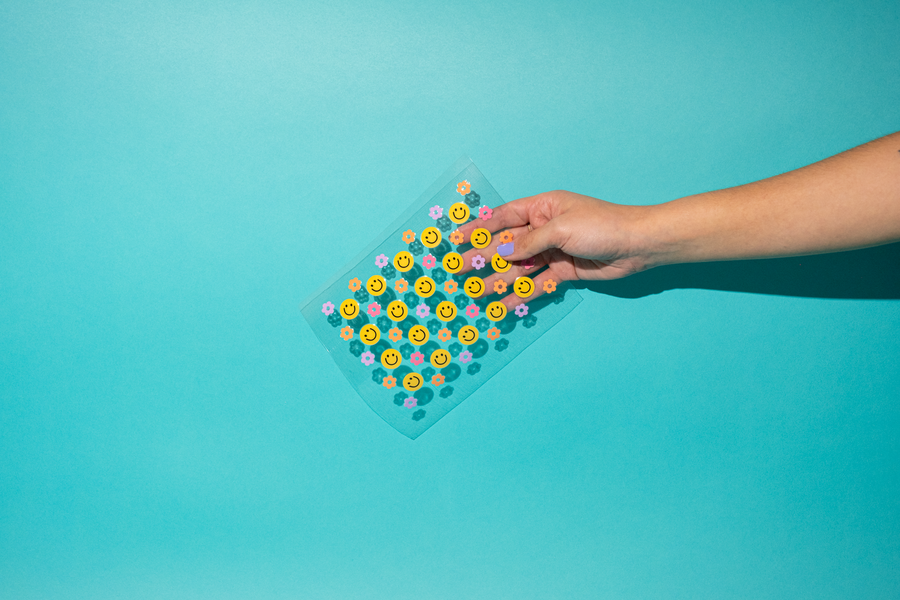
Merry Papa UV DTF Transfer

Merry Papa Single Image UV DTF Transfer

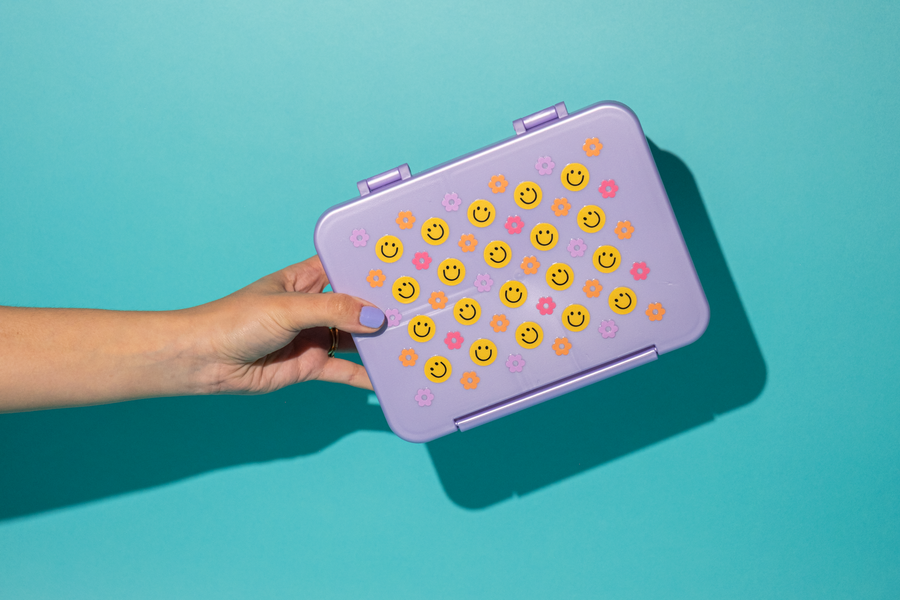
Perfect for dad-themed holiday creations, this design brings festive charm to cups, bottles, and more. This UV DTF print is vivid, smooth, and long-lasting.

Size: Max size 3" x 3"
Please note, sizes listed are the max size possible and may not be exact.

/ piece
Size
Buy more, save more
Good to know

Details & specs

Our UV DTF Transfers make customizing hard goods easier than ever!

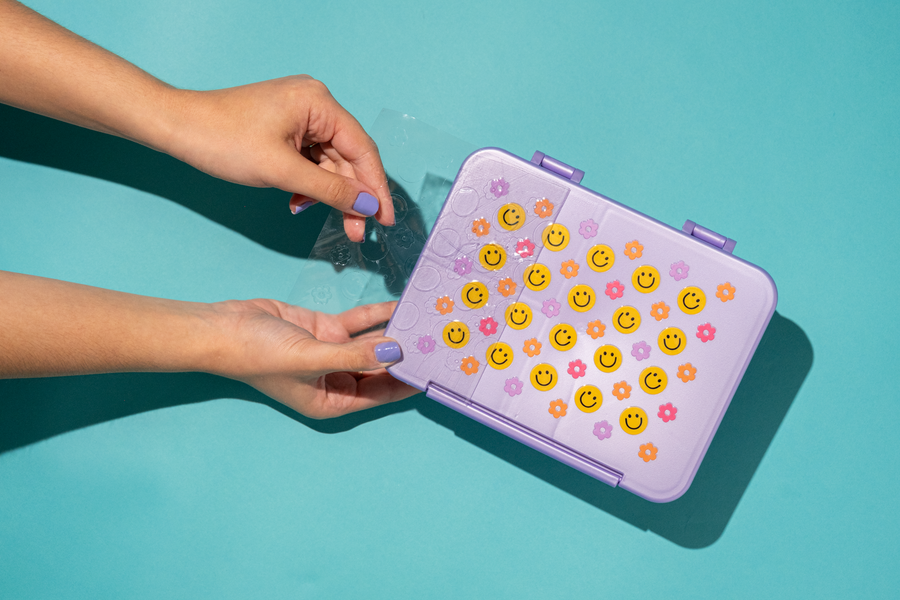
Every design comes pre-sized and ready to apply—no heat press, no weeding, no equipment. Just peel, press, and you're done.

Great for makers, crafters, small shops, and anyone who wants premium holiday designs without the production hassle.

Features

🎨 Premium UVDTF Quality: Printed with high-resolution UV technology for sharp detail, bold color, and a smooth, glossy finish

⚡ Ready to Apply: No heat press required—just peel, stick, and smooth for instant results

🎁 Perfect for Hard Goods: Designed for cups, mugs, glassware, tumblers, water bottles, acrylic, and more

Application Instructions

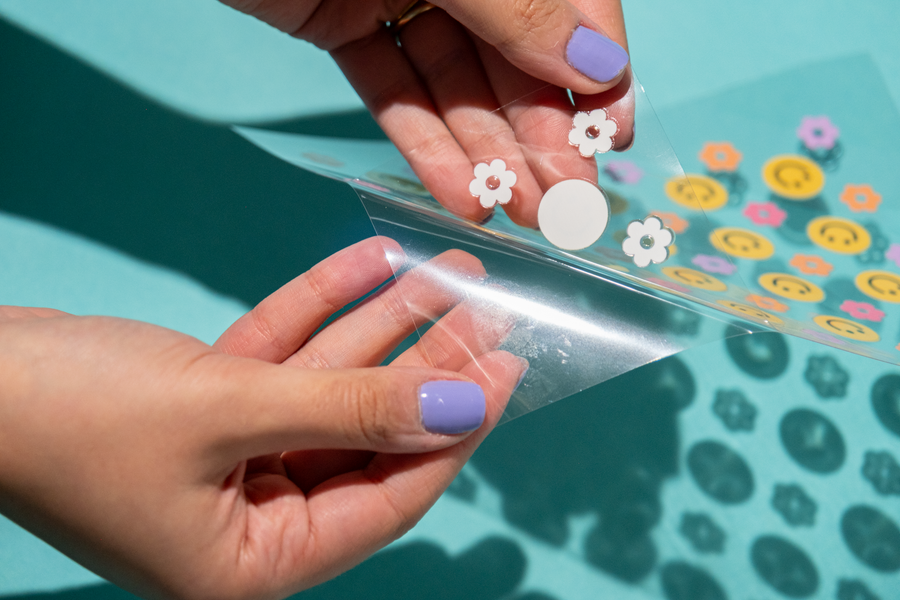
1. Separate top clear film with transfer from bottom clear backing.
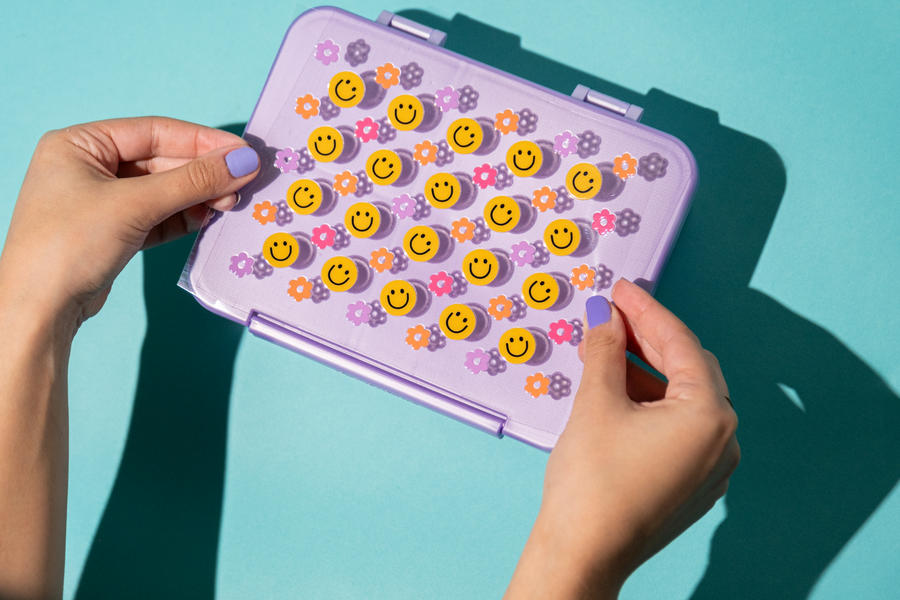
2. Place on intended surface.
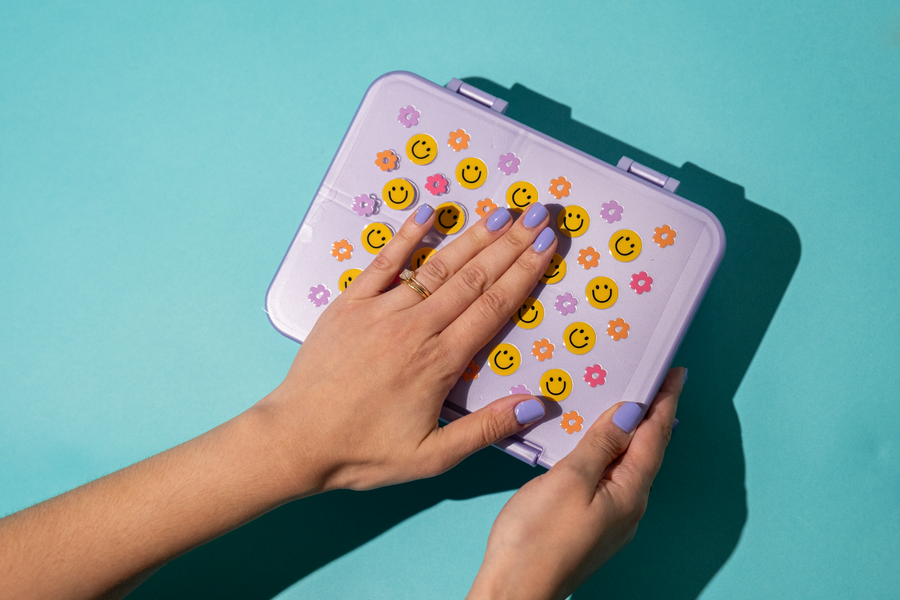
3. Once positioned press the transfer firmly, starting at the bottom center, press upwards and outwards.
4. Use your hands or a squeegee to push out any air bubbles.
5. Slowly remove top film.

Shipping & Turnaround Time

Stock UV DTF orders ship in 2 business days.

Surface Compatibility

UV DTF transfer sheets can be applied to most smooth, hard surfaces such as phone cases, tumblers, mugs, water bottles, and more. They are not recommended for fabric or textured surfaces.

Wash & Care

Hand wash recommended for longevity. Air-dry recommended. Not dishwasher or microwave-safe; avoid abrasive scrubbers

HOW TO USE

Step by Step Instructions

6 easy steps - no experience or equipment needed!

Step 1: Prepare the surface
Wipe down your item to get rid of any dust or residue.
Step 2: Peel protective backing
Gently peel the two sheets apart, making sure that thee whole design lifts off onto the top carrier sheet.
Step 3: Position and place
Decide on the position, and then carefully place the design where you want it.
Step 4: Press and smooth
After placing the design, firmly squeegee the design 2-4 times.Use can also use your hands to press.
Step 5: Peel slowly
Step 5: Peel slowly
Starting at a corner, slowly peel away the top carrier film. If the design is not fully adhered, press the carrier sheet back down and squeegee a few more times.
Step 6: Show off your custom piece
Admire your personalized item!
Frequently Asked Questions

Details & FAQ

What does "UV DTF" mean?

UV DTF stands for Ultra Violet Direct to Film, a digital printing method used to create highly durable, full-color, and slightly raised transfers (or "stickers") that can be permanently applied to curved, uneven, or oddly shaped hard surfaces. The transfer adheres without heat, making it easy and beginner-friendly.

How durable is the finished transfer?

When applied correctly to a clean, smooth surface, UV DTF transfers are durable for everyday use. For tumblers, hand washing is recommended to extend the life of the design. Avoid prolonged soaking or dishwasher use.

Can I reposition the transfer if I place it in the wrong spot?

UV DTF transfers adhere quickly, so repositioning is not recommended once the transfer makes contact with the surface. Take a moment to plan your placement before applying.

I have a question that isn't answered here. How do I reach support?

You can reach out to our support team in 3 ways:

Recommended

You May Be Interested